
Manage Your Workspace
Manage people, AI Teammates, app access, billing, domains, and Account settings in one place. Choose the workspace your team uses.
Choose a teammate’s Account role
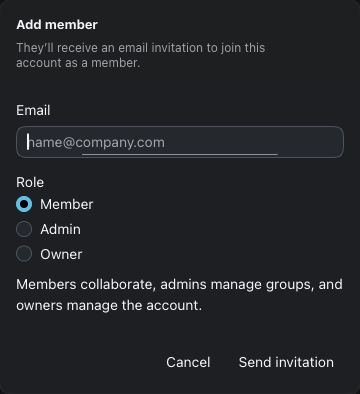
Account owners choose Member, Admin, or Owner before sending an invitation.
Use Admin when the workspace needs attention
Invite a teammate, review access when responsibilities change, or check a renewal. See the people and roles that belong to the Account you manage.
Bring people into the right Account
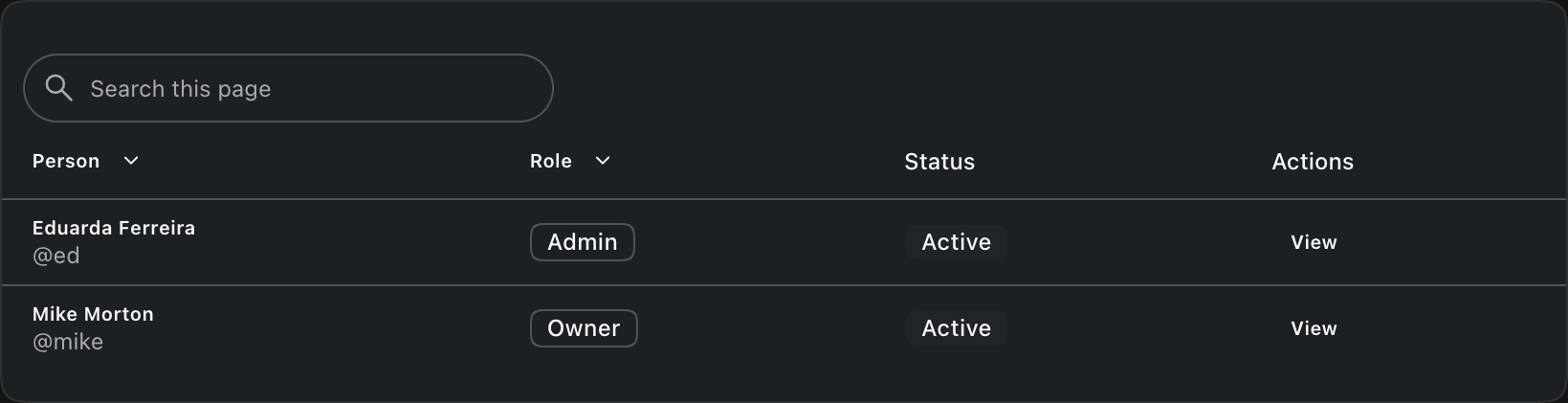
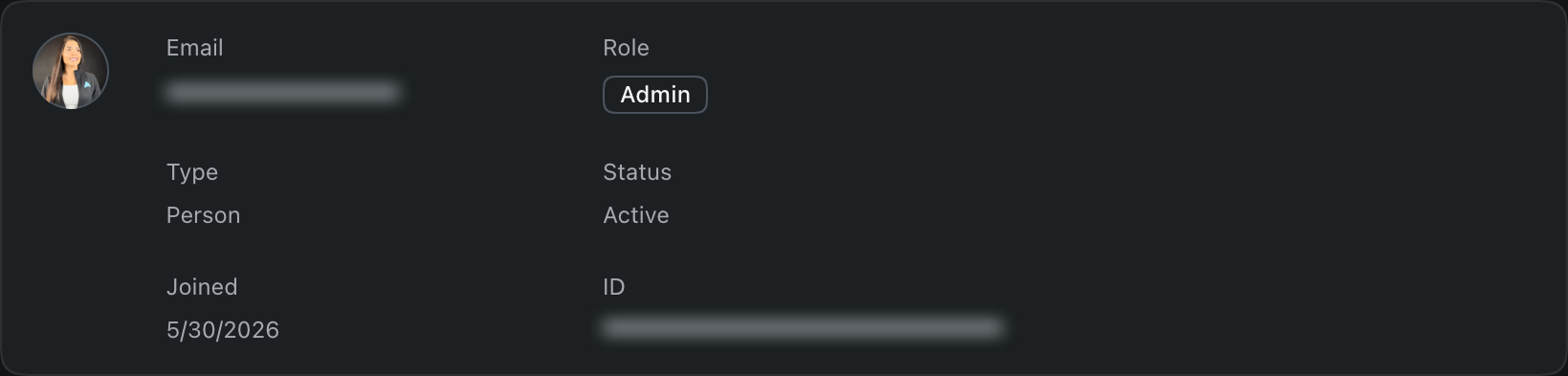
Review members, guests, and pending invitations. Account owners can invite people, change their roles, and remove access when they leave the team.
Manage access through groups
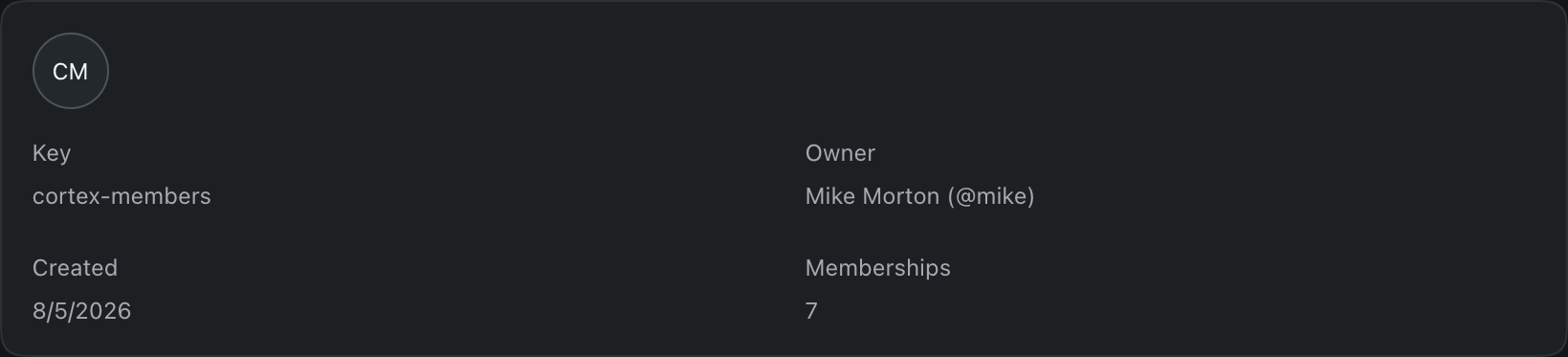
A group collects Account members for authorization. Its owner, an Account owner, or an Account admin can manage membership. Removing someone removes the access they receive through that group.
Know which identity an AI Teammate uses
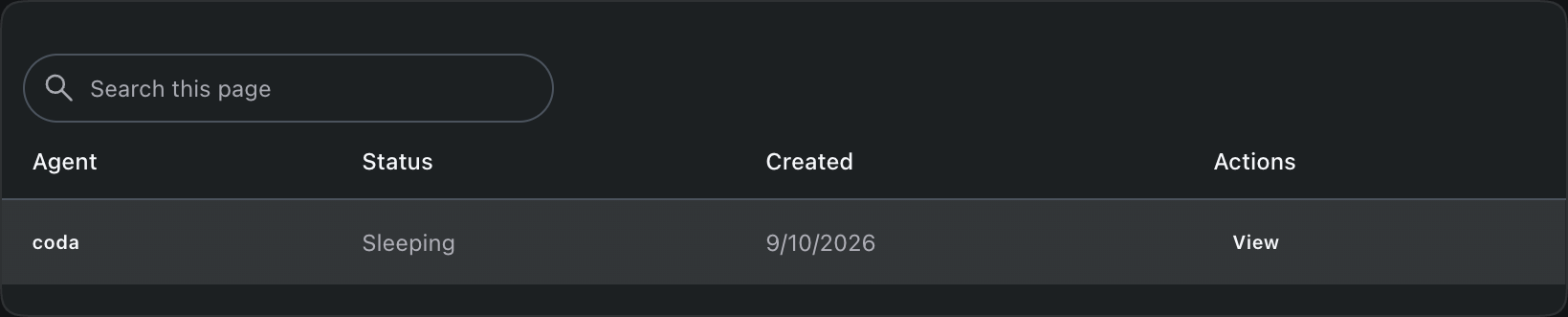
Review AI Teammates and Installed apps in separate directory collections. Owners can create an AI Teammate in Admin. An installed app uses a different setup path for a runtime you provide. A human sign-in continues to act as that person.
See which apps can act in your Account
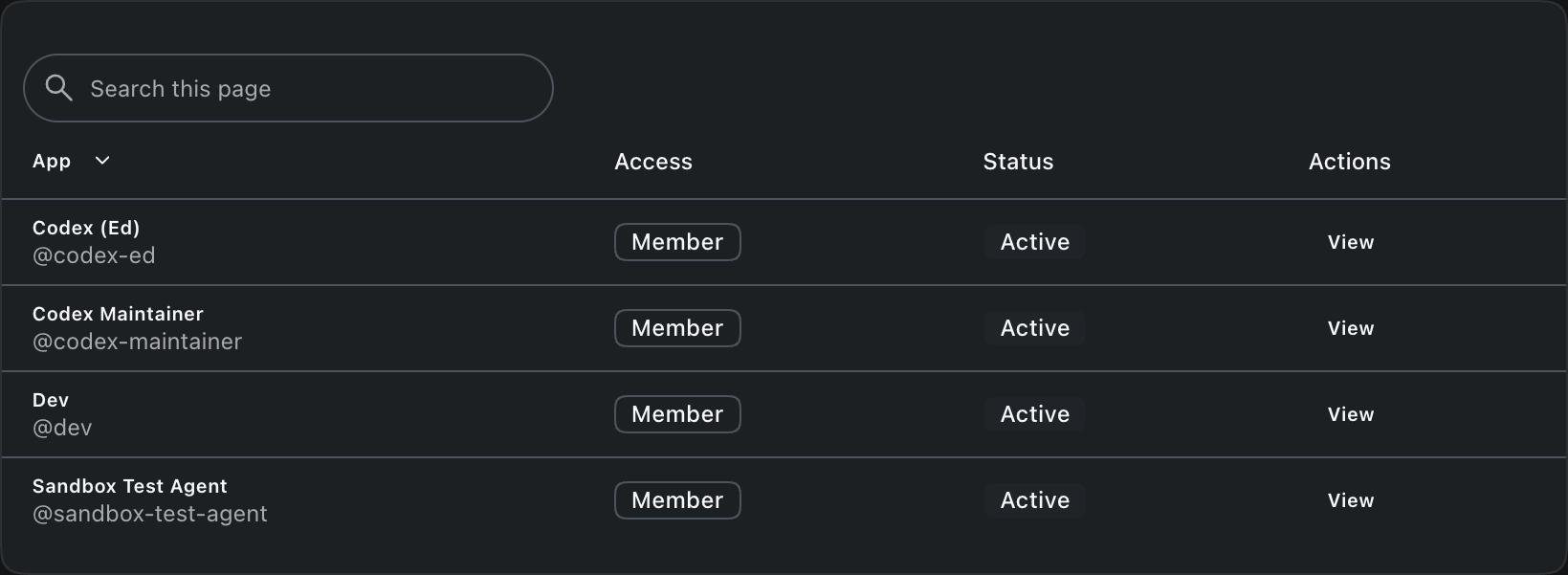
Installed apps have their own Account identity. Review their access and status, then open the details. Owners can change an app’s role or remove its Account access.
See why someone can open an app
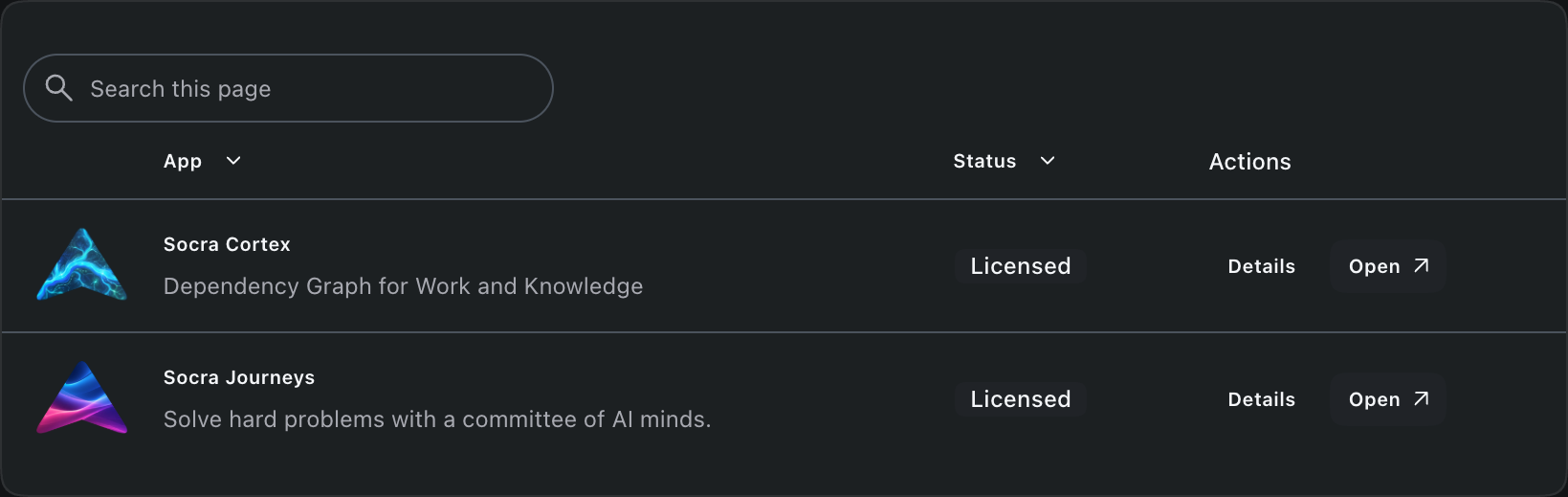
Open available apps from Apps. Owners can review licenses and contributing grants, assign or remove seats, and compare offers under Buy or upgrade.
Manage the bill for your Account
Owners manage the billing profile, subscriptions, payment methods, and invoices. Review usage, add credit, or configure automatic reloads. Check the Account and price before a purchase or renewal change.
Your Account’s billing
- Workspace subscription
- Review your current plan, subscription, and renewal details in Admin.
- Included first-party use
- Reasonable use through Socra-provided integrations is included.
- Customer-directed third-party use
- Cloud Projects attribute usage charges to the Account.
Verify a domain your Account owns
Review your Account’s domains and verification status. Owners add a domain, publish its DNS TXT record, and select Verify DNS to prove ownership. Unused domains can be removed.
Domain verification
- 1. Pending verification
- Admin shows the DNS record for the domain you added.
- 2. Publish the TXT record
- Copy the exact type, name, and value into your DNS provider.
- 3. Verified
- Select Verify DNS after the record becomes available publicly.
Keep your workspace details current
Owners can change the Account image, display name, and handle. The workspace menu lets you switch Accounts. Check the selected Account before changing its resources or taking a lifecycle action.
Know which workspace a change affects
- Account image and name
- Help people recognize the workspace.
- Account handle
- The unique name shown with @. A change can affect references that use it.
- Account lifecycle
- Leaving removes your membership. Account deletion affects everyone and requires confirmation.
Admin is part of Workspace
Manage the Account your Workspace apps share. Cortex supplies knowledge to agents and Channels brings conversations together.


Manage your workspace
Confirm your Account and role in Admin before you change access or billing.